
USB WIFI DONGLE REPAIRED
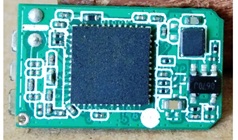
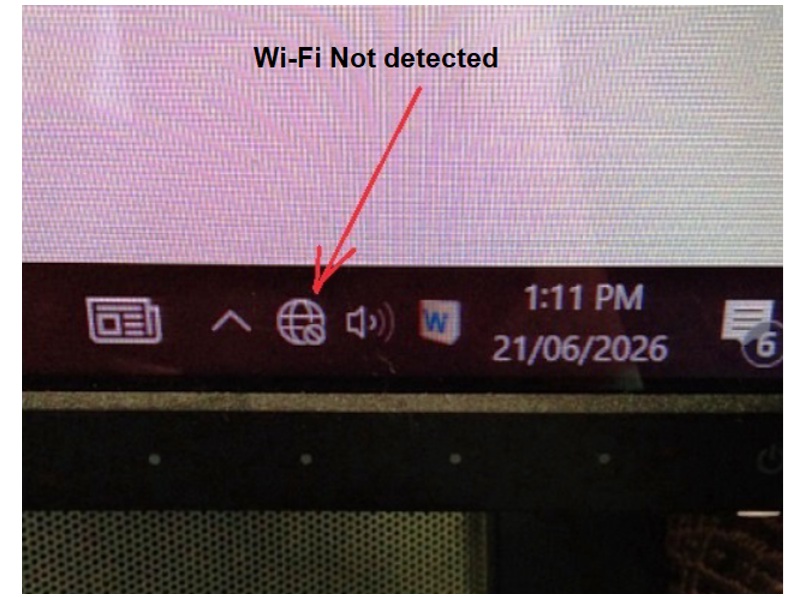
I received a laptop for repair because the Wi-Fi wasn’t working. As usual, I checked the drivers, but no Wi-Fi card was detected. Upon opening the laptop, I discovered that the Wi-Fi card was missing entirely. When I called the customer, they explained that they had previously faced Wi-Fi issues; a technician had told them the card was burnt out and advised using an external Wi-Fi dongle. When I asked where the dongle was, they said it wasn’t being detected either and was likely in their bag; I searched the bag and found it.
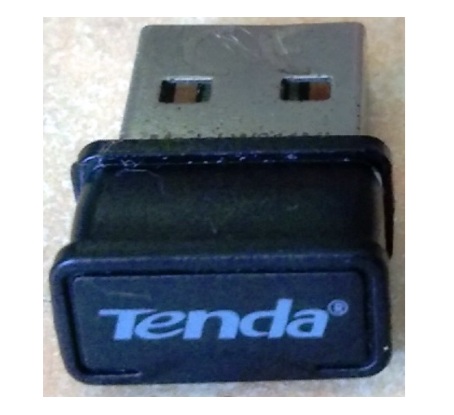
I connected the device to the laptop, but it isn’t being detected.
I tried connecting the Wi-Fi dongle to my computer instead, but it wasn’t detected there either. I suspect the dongle is faulty.
The customer did not want to spend much on this, even though his financial situation was good.
The laptop wasn’t working because a program hadn’t been updated, and it really needed that update. However, it got stuck due to the lack of a Wi-Fi connection. Any way I convinced him without losing the business.
I decide to take apart this dongle. I managed to open its upper part after some effort.
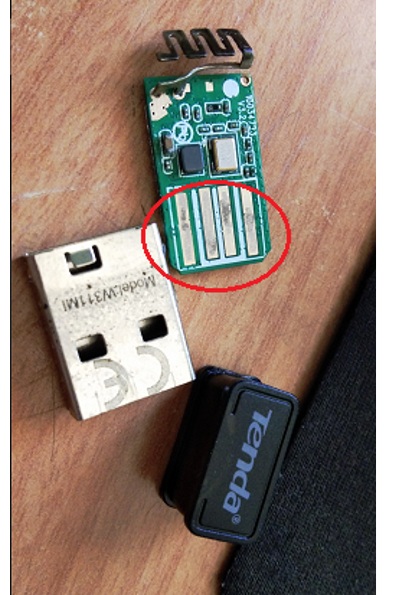
I found Golden Contact fingers having some dirt & patches on, first of all cleaned the PCB Using Thinner & then IPA.
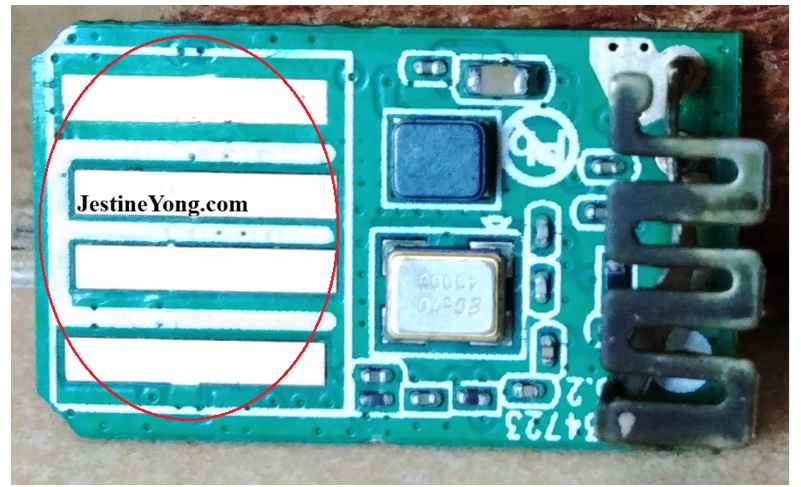
Seems Wi-Fi antenna also oxidized but scratching can break the antenna easily, hence I did not scratched & cleaned it using thinner only.
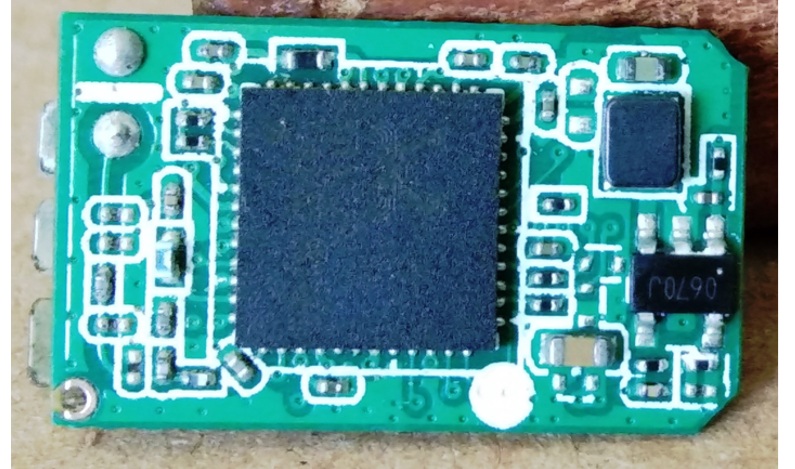
I examined the PCB with a magnifying glass but found no signs of burning or any faulty components. Everything looked fine.
So, I reconnected everything and plugged the device into my computer. I heard the connection sound and saw that the Wi-Fi had been detected. I entered my Wi-Fi password, logged into my account, and accessed the internet; it is working now.
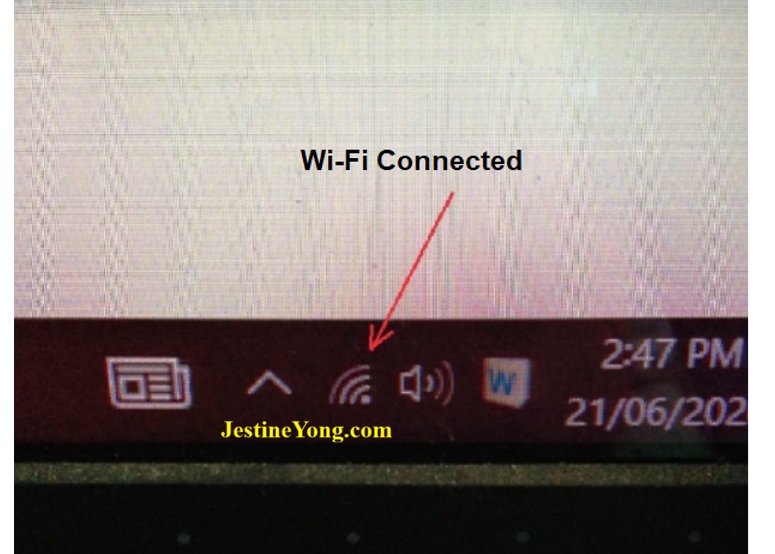
Now connected the Wi-Fi dongle to customer’s laptop & I found it connected & working Fine.
The customer has now been informed that the device is fixed and working with the same Wi-Fi dongle; he was happy to hear this and is coming to pick it up.

This article was prepared for you by Yogesh Panchal who works as a Computer Hardware Engineer in Mumbai India.
P.S- Do you know of any your friends who would benefit from this content that you are reading now? If so, forward this website to your friends or you can invite your friends to subscribe to my newsletter for free in this Link.
Note: You can check his previous repair articles on YouTube Video Lagging Problem in Computer
 (41)Dislikes
 (0)
(0)
12 Comments
Leave a Reply





Albert van Bemmelen
July 4, 2026 at 6:39 pm
Nice job Yogesh! Prying it open without even damaging it! And getting it working again after a good cleaning!
These very tiny working dongles often noticeably get very hot easily when plugged in to the 5V usb ports!
Yogesh Panchal
July 6, 2026 at 1:22 am
Thanks! Albert,
Sometimes it feels like this task is difficult, but it isn't actually that hard.
corriette cyrille
July 4, 2026 at 6:41 pm
wow! Thanks for saving from the landfill and now gained confidence from another satisfied customer.
Sometimes the simplest faults can be the hardest for repair. Just a little patience.
Yogesh Panchal
July 6, 2026 at 1:28 am
Thanks!corriette cyrille
If you convince yourself that it will be hard, you won't be able to do it.patience is must in this field.
Parasuraman S
July 4, 2026 at 6:43 pm
That was an intricate job, and you handled it well. A good fix and share! Many thanks, dear Yogesh Bai!
Yogesh Panchal
July 6, 2026 at 1:32 am
Thank you! sir
Seeing the way you work, I too try to remain patient and acquire knowledge.
Mark J
July 5, 2026 at 12:33 am
Good job Yogesh. Sometimes those dongles are hard to take apart or open.
Yogesh Panchal
July 6, 2026 at 1:36 am
Thank you! Mark J
I used to think the same thing before trying to repair it.
Imoud.O
July 5, 2026 at 5:03 am
It's said experience is the best teacher,and u happen to be a good repairer due to ur experience,thanks for sharing sir.
Yogesh Panchal
July 6, 2026 at 1:39 am
Thanks! Imoud.O
You are absolutely right,this is on going learning process.
nader
July 8, 2026 at 7:25 pm
hi
You handled the assessment and the work very well; I am glad you repaired it instead of replacing it.
nader
Yogesh Panchal
July 12, 2026 at 5:24 pm
Thanks!nader
As technicians, we have a desire to repair things.