Computer HDD Repaired
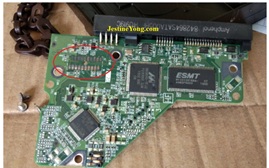
Received WD HDD for repair Stating Problem it is making some noise but not Detecting in PC.
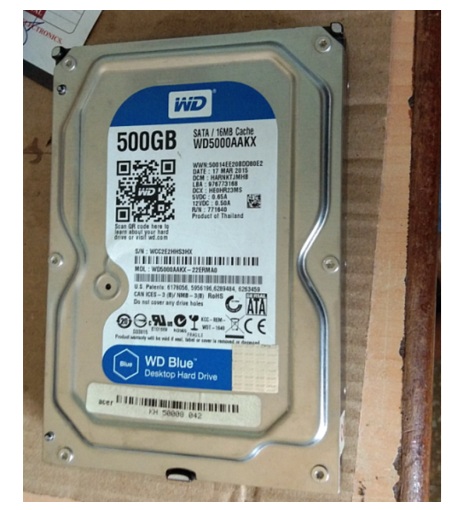
For confirm the problem, I connected the HDD to the computer & I found drive motor is spinning but it is not detecting in BIOS.
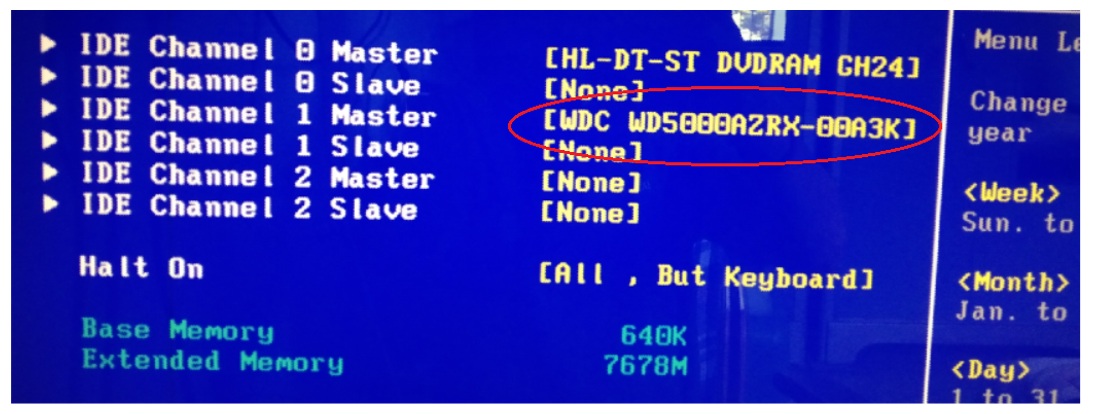
In the BIOS settings, I noticed that only one drive was visible—my testing drive. I also observed that the customer’s HDD was getting excessively hot. These appear to be some Familiar Fault symptom.
So I removed the PCB from the HDD.
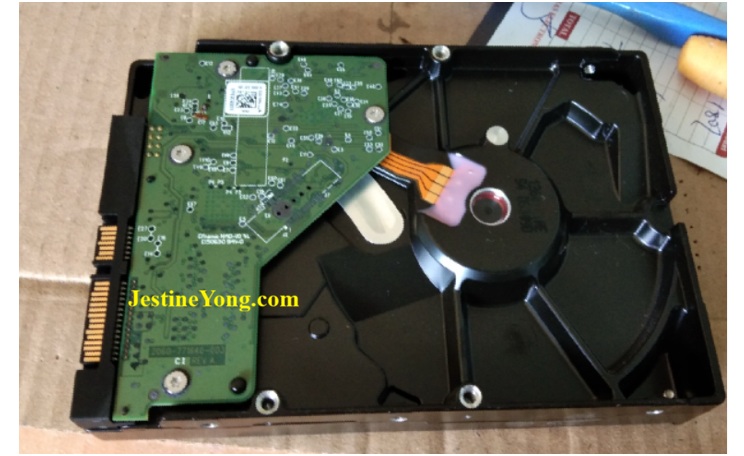
And as expected I found the Familiar Problem.
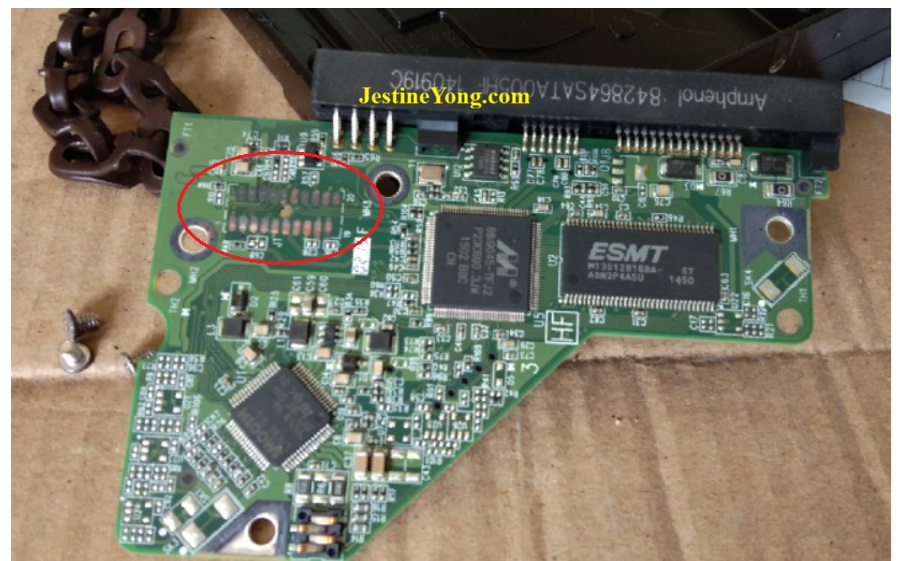
HDD reading head Contacts are badly Oxidized.
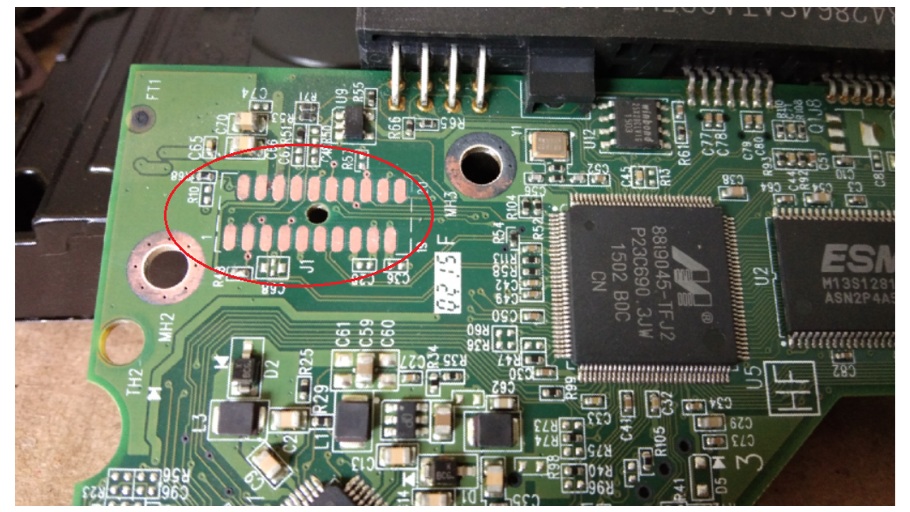
The contacts were cleaned using an eraser. I fitted the PCB for testing, then thought—why not apply solder to these pads so the problem doesn’t recur?
I removed the PCB again, applied soldering flux, and used solder to coat the contacts with a layer of solder.
This task should be performed carefully by hand. A minor mistake could increase your workload. Excessive heat or scratching during the coating process can cause the pad to tear or detach & that is Microscopic work.
I have successfully applied the coating and cleaned the PCB using IPA to remove the flux residue.
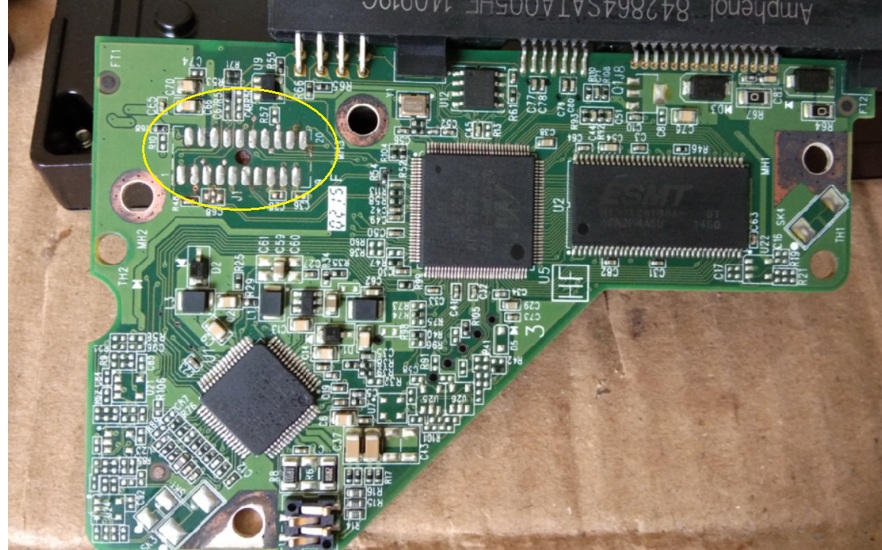
After the coating process I connected PCB back to the HDD for testing.
& it is detected Under the BIOS.
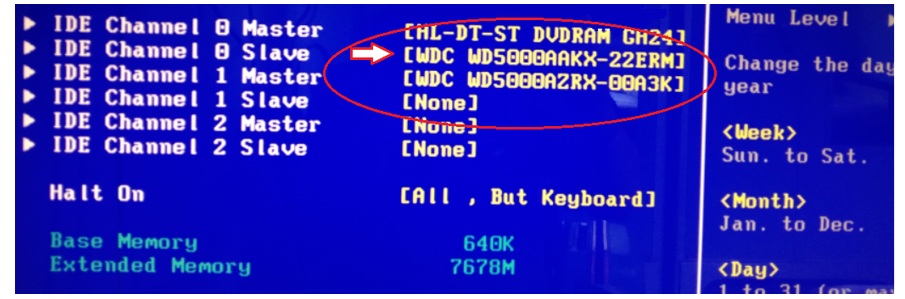
Computer Booted through my HDD & found Customers DATA Intact.
The customer asked me to reinstall it on his PC and said he would pay any applicable extra charges. He took me to his office on his bike; I fixed the issue, and he is very happy now.

This article was prepared for you by Yogesh Panchal who works as a Computer Hardware Engineer in Mumbai India.
P.S- Do you know of any your friends who would benefit from this content that you are reading now? If so, forward this website to your friends or you can invite your friends to subscribe to my newsletter for free in this Link.
Note: You can check his previous repair articles on Creative SBS 240 Speakers
 (1)Dislikes
 (0)
(0)