
Dead Bluetooth Player Repair
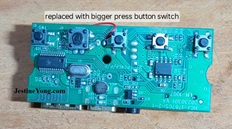
This player was not switching on when it was sent to me, with charging led on whenever it is connected to adptor.
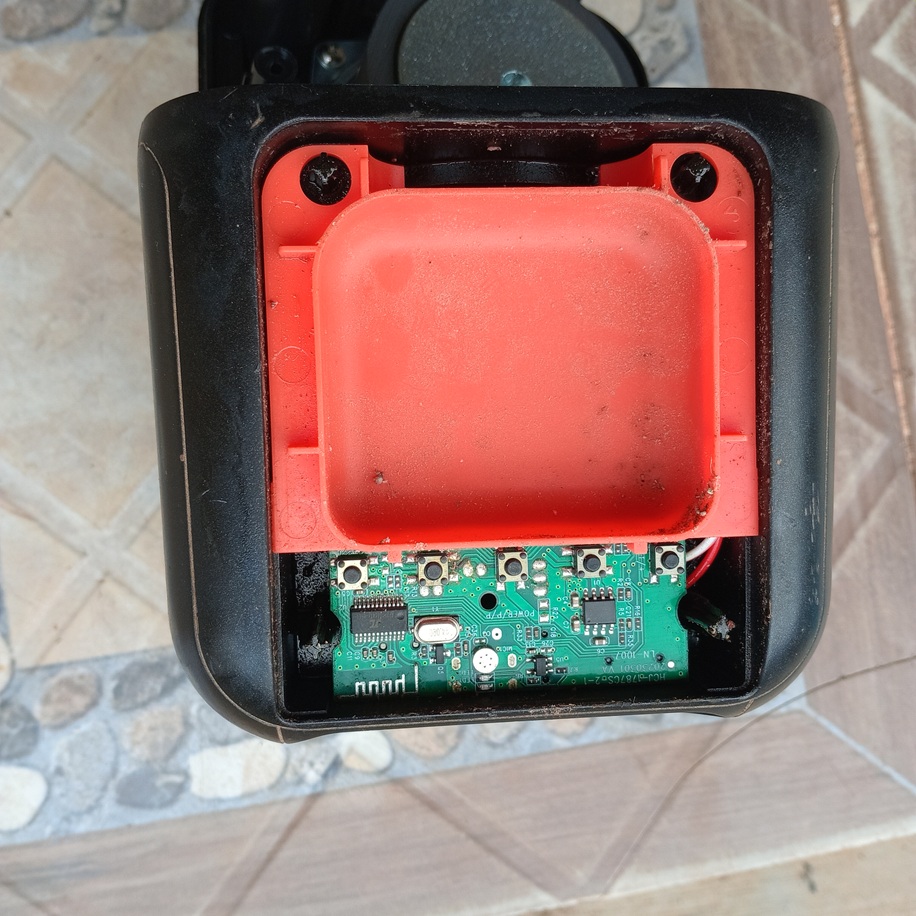
I prime it open and examined its board, l noticed burnt track near on/off switch button,
which runs through under on/off switch,(red mark)
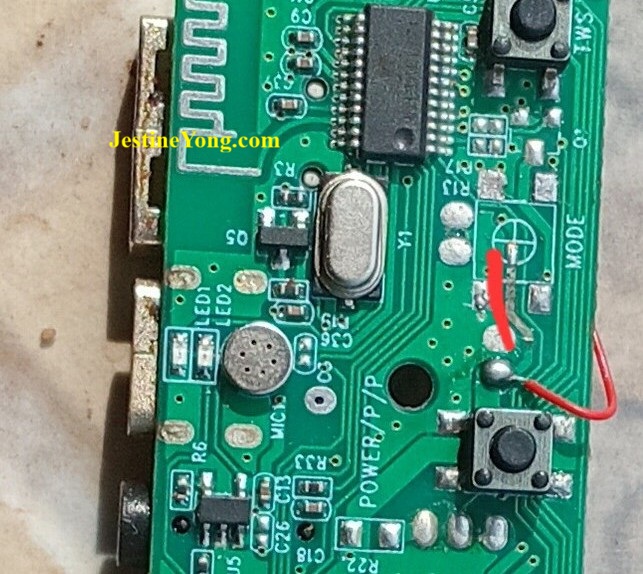
so I soldered out switch and trace track to a tiny hole that goes through board to other side of board to positive pin of male usb A meant to play flash drive.
I then connected a joint wire between the two points.
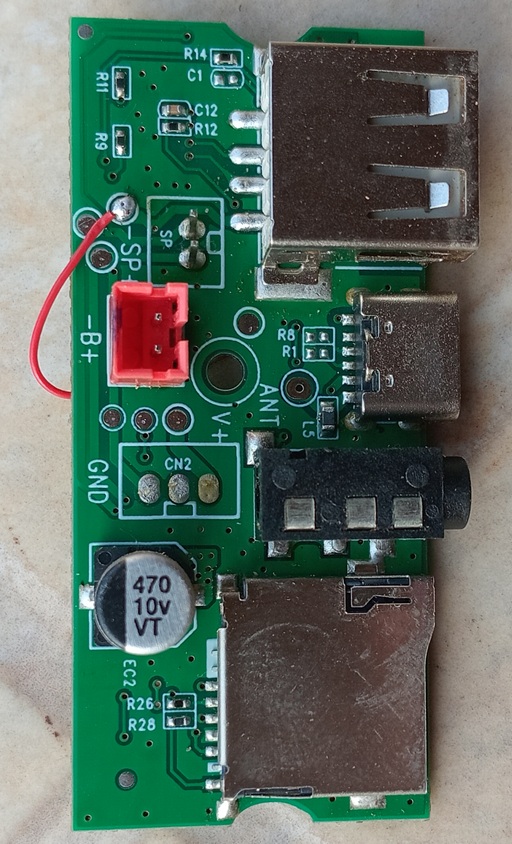
When tested the on/off switch, it was shorted and battery too, since i don’t have same type of switch, I had to modify a bigger switch to replace on/off switch, also
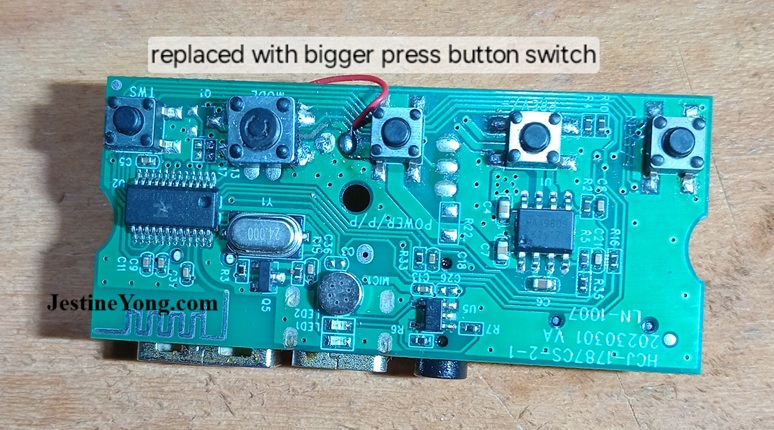
replaced battery with new one,then assembled everything back,press on/off button, and player did on, paired it with phone bluetooth and it play.
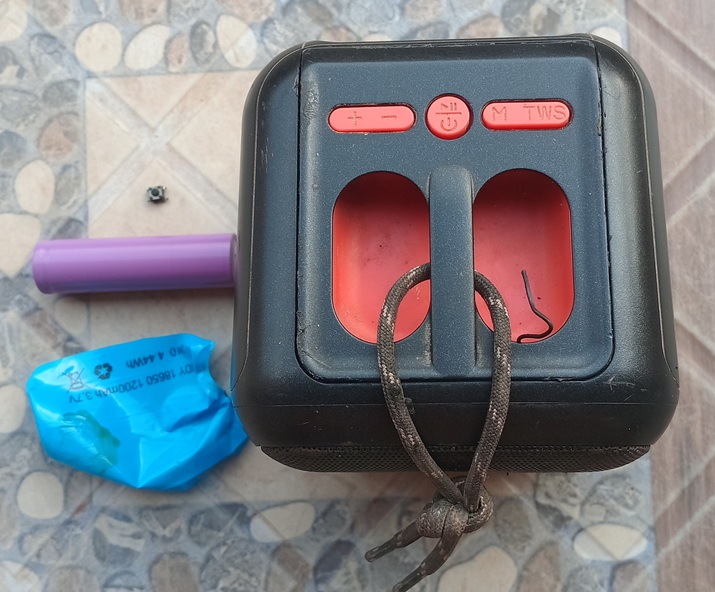
This is the finished repair work.

This article was prepared for you by Imoudu Onwumah from Nigeria. He is 62 years old and has just 3 years experience in electronics repairs. I started career in hotel industry as a chef, but then I was doing repairs only in electrical repairs as a hobbyist. In 2018, I decided to learn about electronics which through Jestine’s electronics e-books and holding my hand, am an electronics techie today.
P.S- If you enjoyed reading this, click here to subscribe to my blog (free subscription). That way, you’ll never miss a post. You can also forward this website link to your friends and colleagues-thanks!
Note: You can read his previous article on Hisense Tv With Blinking Standby LED
 (8)Dislikes
 (1)

3 Comments
Leave a Reply





Parasuraman S
November 21, 2026 at 3:13 pm
Glad to see an article from you after a gap, dear Imoudu! Many thanks for sharing this informative work.
Albert van Bemmelen
November 21, 2026 at 4:13 pm
Luckily that the bigger MODE pushbutton still fitted nicely on the solder pads for a smaller button on this board Imoudu.
Waleed Rishmawi
November 21, 2026 at 5:57 pm
good repair and thanks for sharing. have a blessed day