
CANON LBP2900 Laser Printer Unit Error
Revisited this printer for Unit error. Previous repair I replaced Broken Fuser heating element.
https://jestineyong.com/canon-lbp2900-laser-printer-unit-error/
Problem Symptom: While Printing it gives error on computer screen, Error code is E000 0000 & paper stuck form end side in fuser unit.
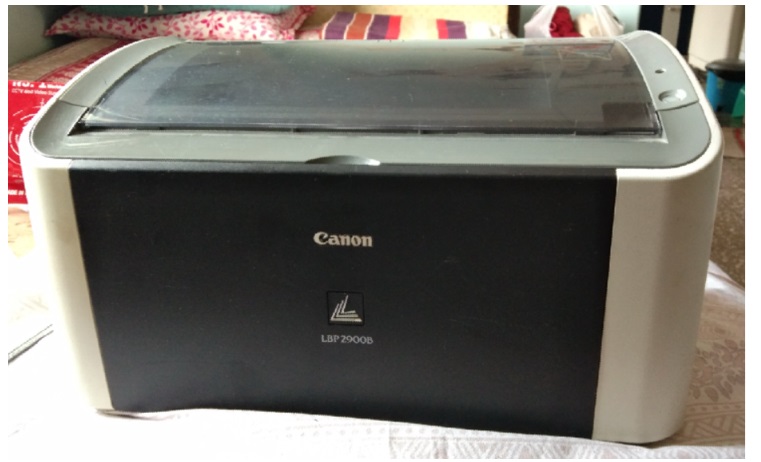
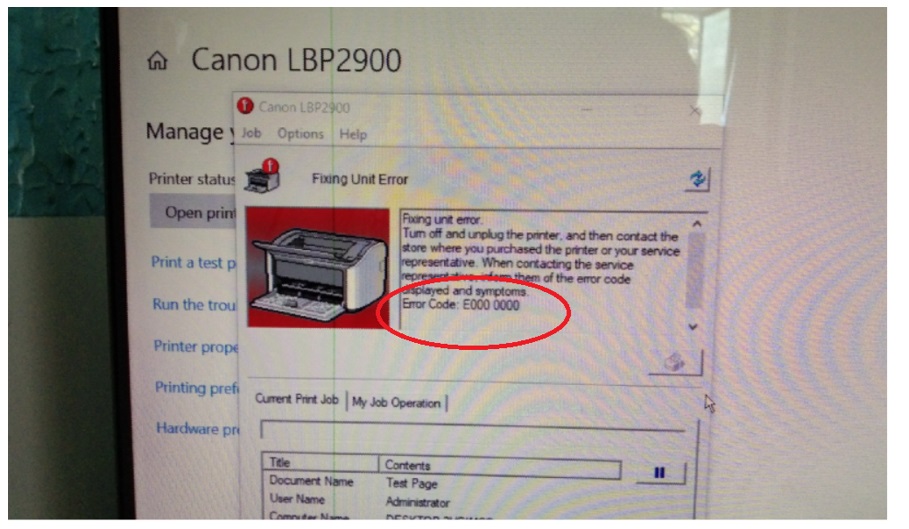
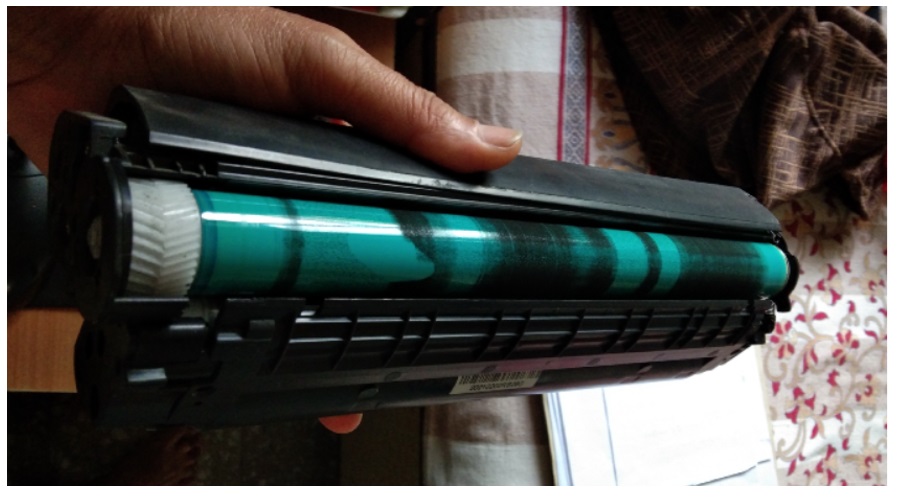
First removed the toner cartridge to see the condition & why Page is stuck.
Found cartridge is in very bad condition looks toner powder is leak, but this is not related to the error symptom.
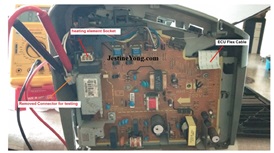
Therefore, the side panel of the printer was opened to check the circuit side and confirm whether the fuser heating element was working correctly. Removed Heating element connector from the cable & measured the resistance of the heating coil.
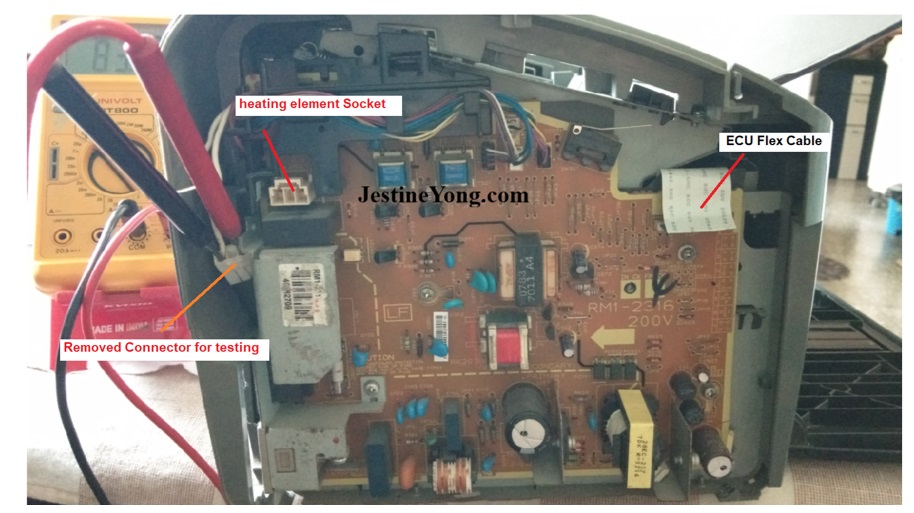
On testing I got 83Ω indicates heating element is OK.
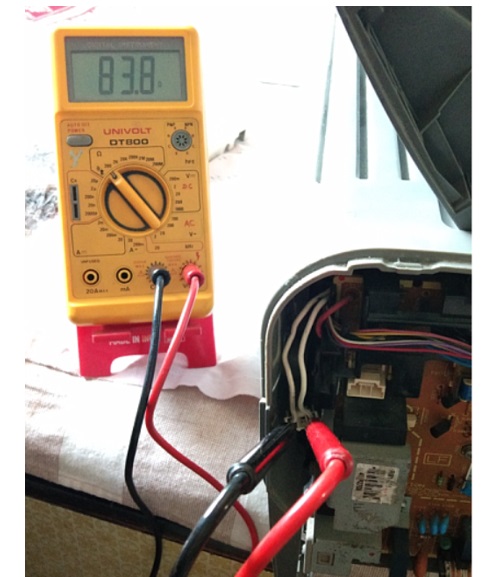
Now time to check ECU (Engine controller Unit) Flex strip cable.
Found cable contacts are badly oxidized.
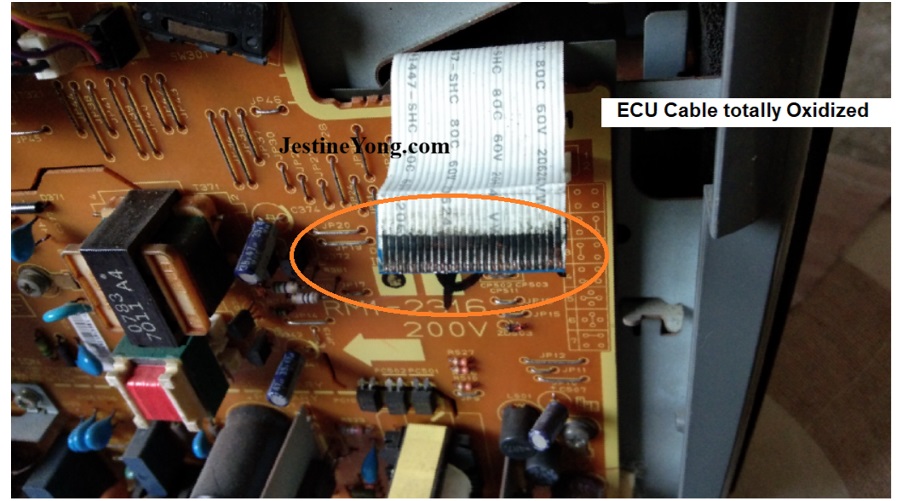
Cleaned the cable using eraser & Blade. be very careful while cleaning ECU Flex cable because on other side it is directly soldered on ECU circuit & it is very difficult task without the microscope.
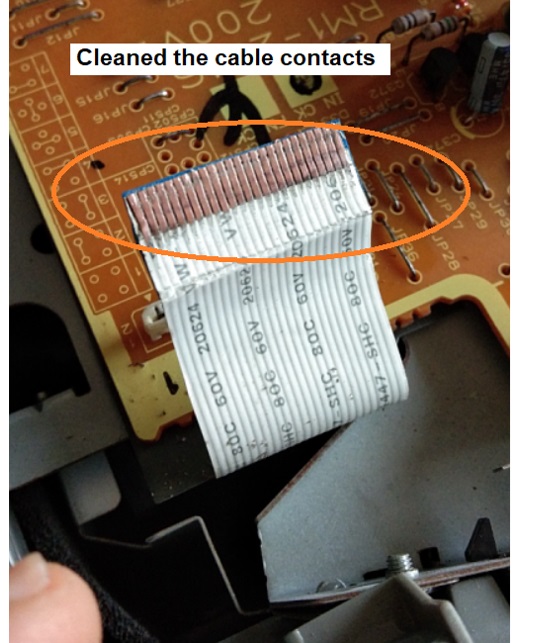
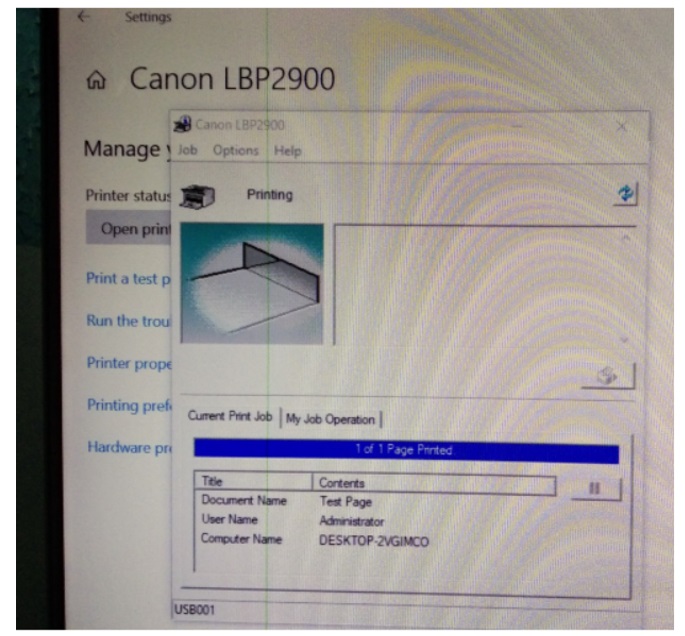
After connecting back to its place, connected printer to power & hit the Test page from the computer.
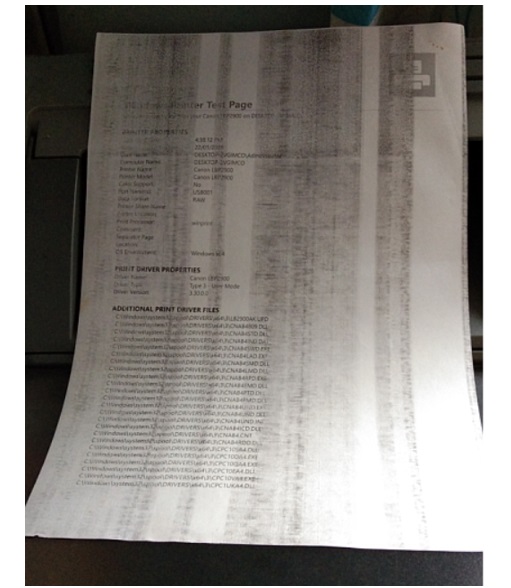
& found print out comes very smoothly without stuck-up or any error on the computer.
As print copy is not clear & having Vertical Bars this is problem of the toner cartridge, When I spoke to the customer about the toner cartridge, he told me that he knew the toner cartridge was faulty, so he thought he would get the printer repaired first and then buy a new toner cartridge later. & I told him printer is repaired he can collect it.
This single error can have several causes like Bad SMPS, Fuser Unit, ECU unit or Bad Logic board & related cables.

This article was prepared for you by Yogesh Panchal who works as a Computer Hardware Engineer in Mumbai India.
P.S- Do you know of any your friends who would benefit from this content that you are reading now? If so, forward this website to your friends or you can invite your friends to subscribe to my newsletter for free in this Link.
Note: You can check his previous repair articles on Cordless Shaving Machine Repaired
 (34)Dislikes
 (0)
(0)
11 Comments
Leave a Reply





Parasuraman S
January 31, 2026 at 5:48 pm
Very professional work and a thorough explanation of the steps taken. Very useful! Many thanks for sharing, dear Yogesh Bai!
Yogesh Panchal
February 1, 2026 at 11:00 pm
Thank You! Sir
ANTHONY PATERSON
January 31, 2026 at 6:06 pm
Yogesh, a well documented repair that could be useful in the future. Many thanks for sharing.
Yogesh Panchal
February 1, 2026 at 11:01 pm
Your Welcome!ANTHONY PATERSON
Albert van Bemmelen
January 31, 2026 at 6:38 pm
Fixing and no doubt often also cleaning these old used laser printers are for me reason to stick to my old second hand Brother inkjet printer.
Cleaning that way too dirty ECU Flex cable was a very nicely done job!
My brother also has a laser printer with similar vertical lines. He already did replace several printer unit items in the past without it having any positive effect after all his attempts. So hopefully the customer's Canon laserprinter will be completely fixed by just replacing his toner cartridge afterwards.
Yogesh Panchal
February 1, 2026 at 11:10 pm
thank You!Albert
As per my experience & observation in laser printer troubleshooting i found.
50% problem because of Toner Cartridge,
25% Because of mishandling by user (Human Error)
10% Because wear and tear of Hardware parts,
10% Because of electronic Circuit
Mark J
February 1, 2026 at 3:31 am
Good job the laser Printer repair Yogesh. I have not worked on or repaired a laser printer in years. That last on I repaired had cable issues. Thank you for sharing.
Muykit
February 1, 2026 at 9:00 pm
The initials ECU remind me of Electronic Control Unit, an approximately seven by seven inches flat control box that manages all of a cars operating systems
Yogesh Panchal
February 2, 2026 at 4:27 pm
Muykit,
ECU is now a generic term for any device controlled by electronic circuits.
thanks! for your comment.
Muykit
February 1, 2026 at 9:15 pm
ECU reminds me of Electronic Control Unit which is an approximately 7 by 7 inches flat box that manages all of a vehicles operating systems. Many car mecanics call it, 'computer'.
Yogesh Panchal
February 1, 2026 at 11:03 pm
Thank You! Mark J