
ACER Laptop Repaired For Intermittent Power Problem
Received Acer Laptop for the repair, stating Intermittent Power problem, upon speaking with the customer, it was revealed that the laptop had been given to someone for repairs and the issue has persisted ever since; often, the power button has to be pressed multiple times to get the display to come on.
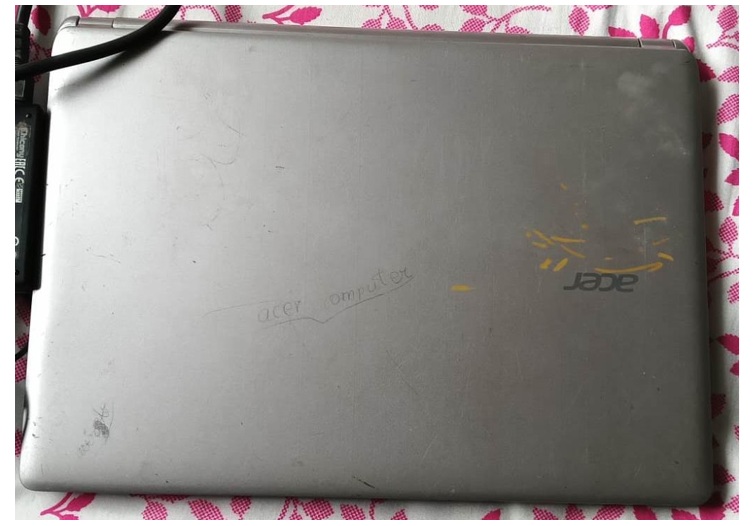
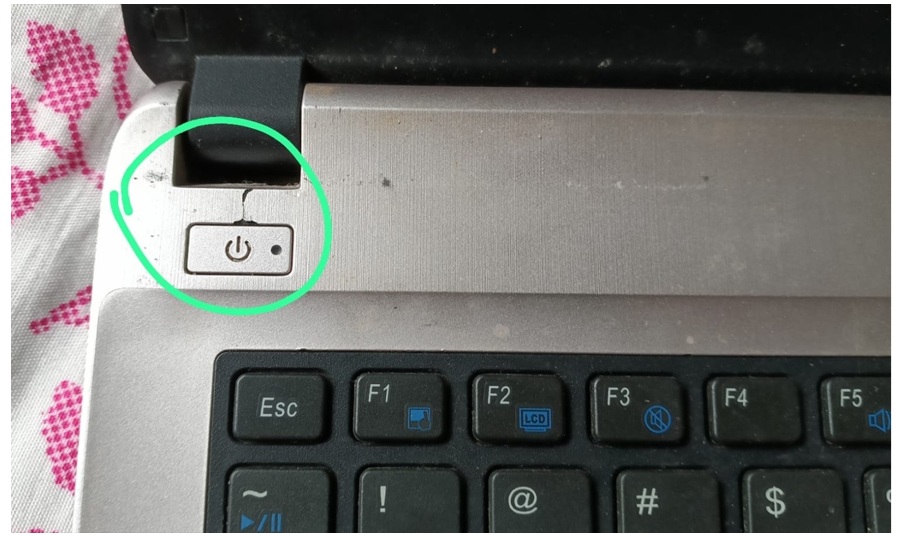
At first glance, it appears that the laptop hasn’t been used for quite some time. Upon opening the lid, I noticed that the plastic on the power button was broken—as if someone had tried to pry off or pull out the button cap using an object.
Handling laptop repair work can be quite challenging, as some customers might blame you for any physical damage to the laptop; whether to save on repair costs or to avoid issues related to an expired warranty.
The best way to avoid customer complaints is to have a transparent check-in process. Our preferred approach is to take photos or videos of the laptop before accepting it for repair, clearly documenting / highlighting any physical damage—such as screen scratches or cracks in the body missing screws etc. We share this information with the customer via WhatsApp. We proceed with the repair only after the customer replies to confirm they were aware of the damage beforehand and consent to the process.
After getting prior consent from the customer I started further inspection. Removed back cover.
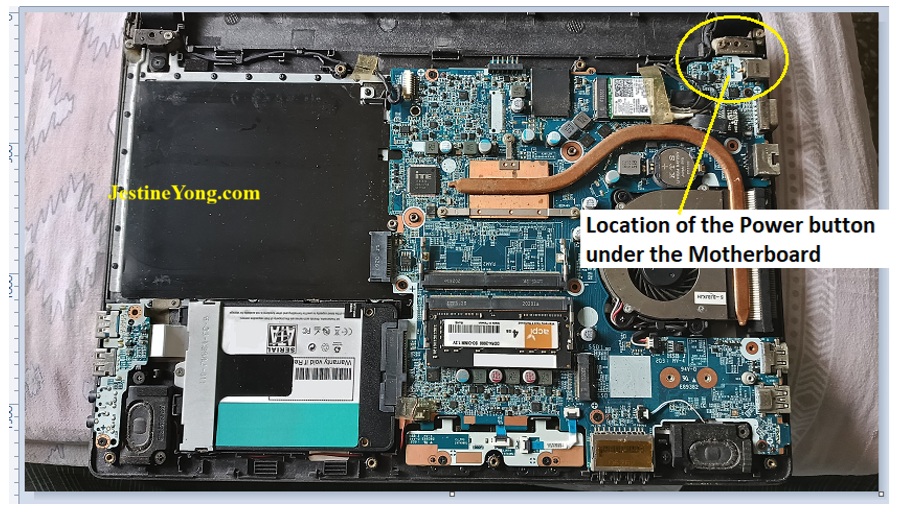
Everything looked fine inside. I examined the circuit board on the side with the power button; it was clean and showed no visible signs of damage. So, I decided to remove the motherboard for inspection. To do this, I had to remove the right-side hinge. A closer look revealed that the hinge had been repaired previously and was badly broken right beneath the screw.
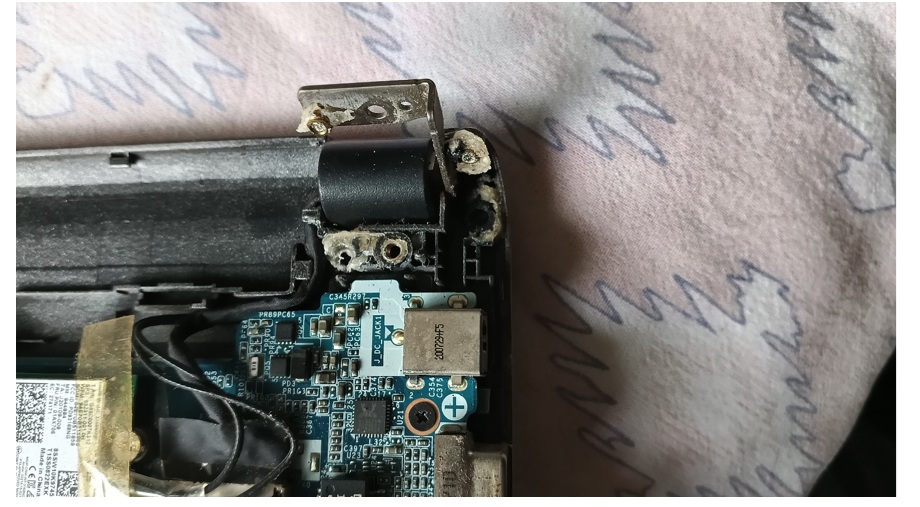
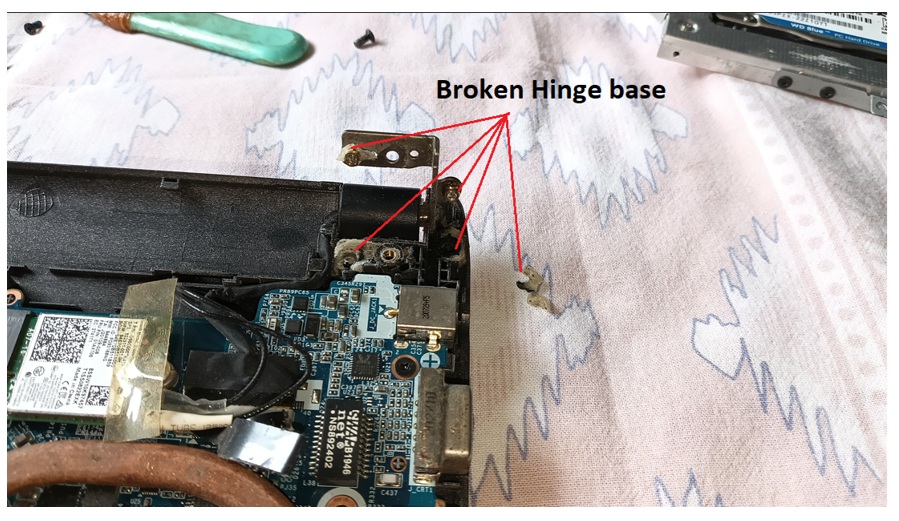
After removing the motherboard, I lifted the hinge to inspect the area beneath it and found that the switch cap was getting stuck when pressed & pole of cap was not reaching up to the switch; this issue was caused by an excess of material beneath the brass stud.
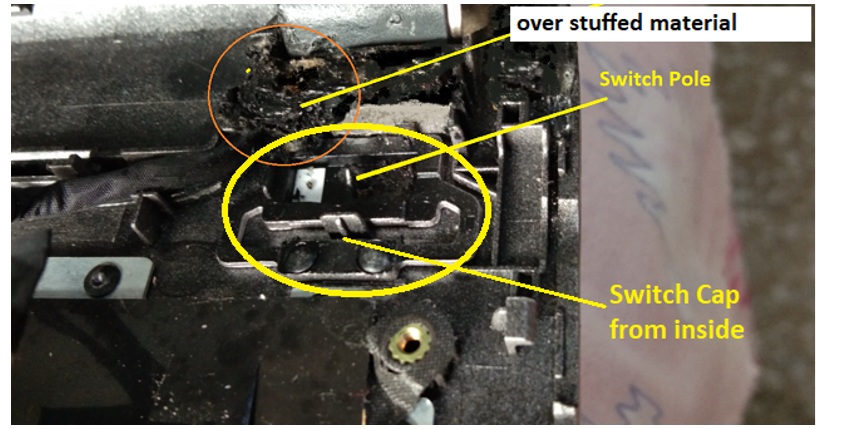
To fix this, I first need to remove the stuck screws from the brass studs in the hinge. I noticed that superglue has dripped inside the brass studs and formed a strong bond, making it seem difficult to separate them.

Click here to check out the Laptop Repair Mastery
The screw head was very thin, making it impossible to grip with pliers. I tried a few methods but had no success. I was worried that a small mistake could cause further damage. After half an hour of struggling, I decided to drill into the screw head using a bit sized to match the thickness of the screw’s threads, and I succeeded.
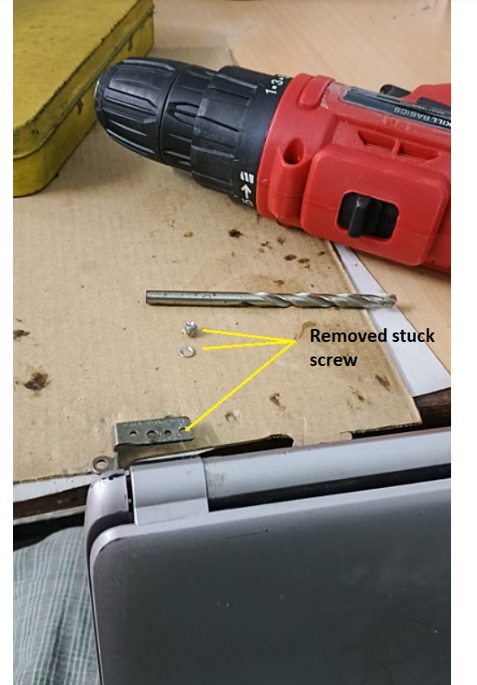
After removing the screw, I began scraping away the excess filling material using a sharp surgical blade; it is a very time-consuming task. I cleaned off the excess material and prepared a new stud fixture.
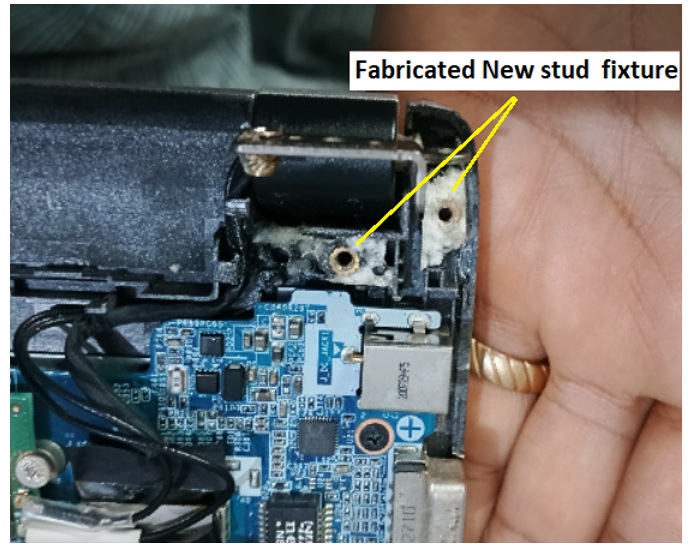
After fixing the hinge, checked for power switch cap for the movement now it moving freely.
Assembled Everything back & powered the laptop now it working fine.
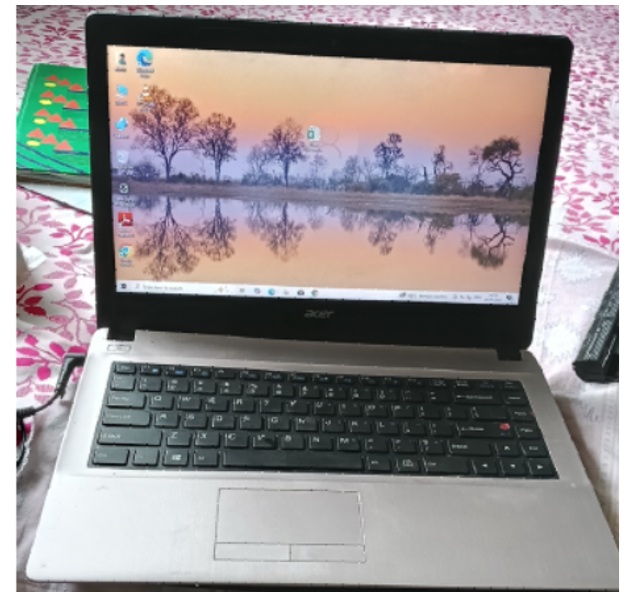
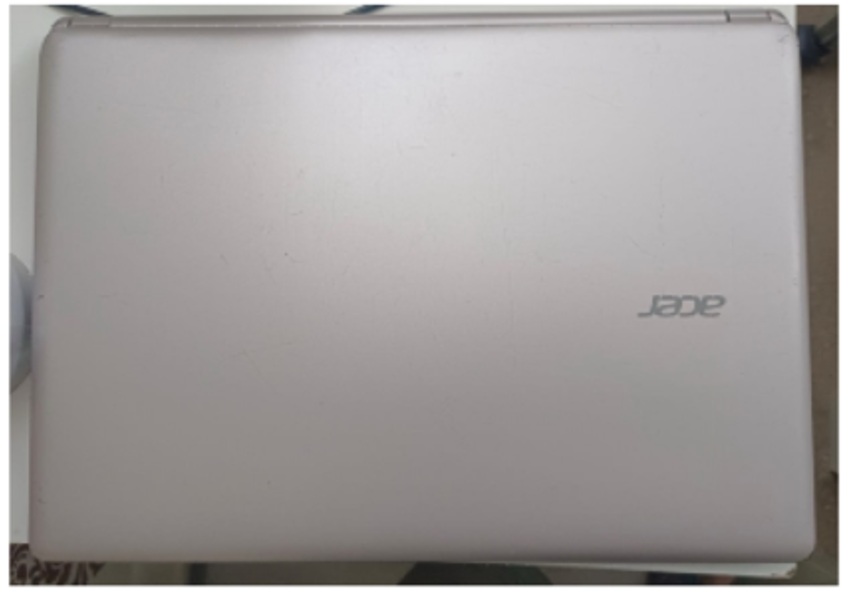
Cleaned and polished the laptop Body & now laptop is ready for the pickup

This article was prepared for you by Yogesh Panchal who works as a Computer Hardware Engineer in Mumbai India.
P.S- Do you know of any your friends who would benefit from this content that you are reading now? If so, forward this website to your friends or you can invite your friends to subscribe to my newsletter for free in this Link.
Note: You can check his previous repair articles on Euronics Automatic Soap Dispenser Repair-1
 (44)Dislikes
 (0)
(0)
10 Comments
Leave a Reply





Parasuraman S
August 1, 2026 at 12:37 pm
Excellent repair, dear Yogesh Bai! Thanks for sharing! Though the article is brief, I know very well how much of time, concentration and focus had been made! Mechanical repair jobs on intricate places are very tiring, mentally!
Albert van Bemmelen
August 1, 2026 at 2:52 pm
You fixed the laptop and made it look like new again. Very professionally done Yogesh! Couldn't have been done any better!
Yogesh Panchal
August 1, 2026 at 10:31 pm
Thank You! Albert
See the difference in 2nd photo & last Photo.Customers truly appreciated it. When we provide better service, it should be reflected in our work.
Yogesh Panchal
August 1, 2026 at 4:11 pm
Thank you! Sir
In this type of work, handling a completely non-functional unit is easier, whereas working on a partially functional device carries significant risk of damaging the motherboard; a single minor error can lead to substantial financial loss such as having to replace the motherboard, which creates stress during the repair process. Sometimes it is felt that in such work, the customer's consent should be taken before starting the work, just like a doctor takes it in writing before an operation.
Mark J
August 2, 2026 at 2:22 am
Yogesh great job. Those broken hinge problems are a pain. Once again great job. Thank you for sharing.
Yogesh Panchal
August 3, 2026 at 9:04 pm
Thank You! Mark J
Jim
August 2, 2026 at 8:23 am
Great Repair!
Yogesh Panchal
August 3, 2026 at 9:05 pm
Thank you! Jim
Tito Kanshulu
August 4, 2026 at 12:53 am
Excellent repair Yogesh. It feels good hearing from you after some pause
Yogesh Panchal
August 4, 2026 at 8:14 pm
Thank you! Tito Kanshulu