
Rampage Audiovox Dm-22B Compact Disc Player Repair
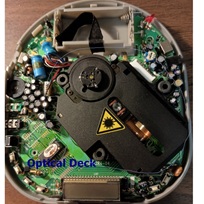
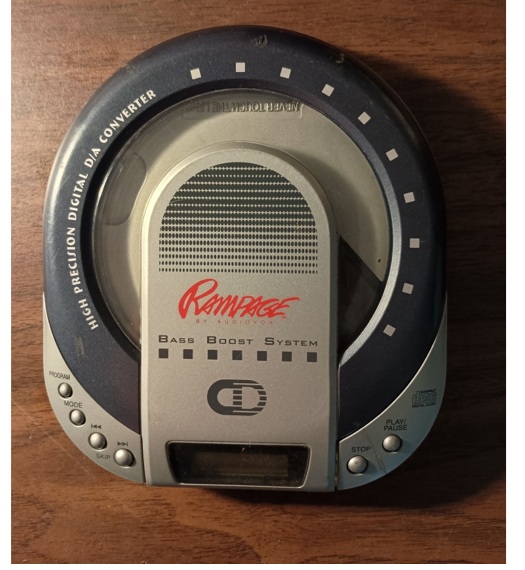
I bought a lot of compact disc players about a year ago. They sat in storage and were forgotten. They all had some kind of issues ranging from disc error to not even turning on. This Rampage Audiovox model would display Disc error when I tried to play a CD in it.
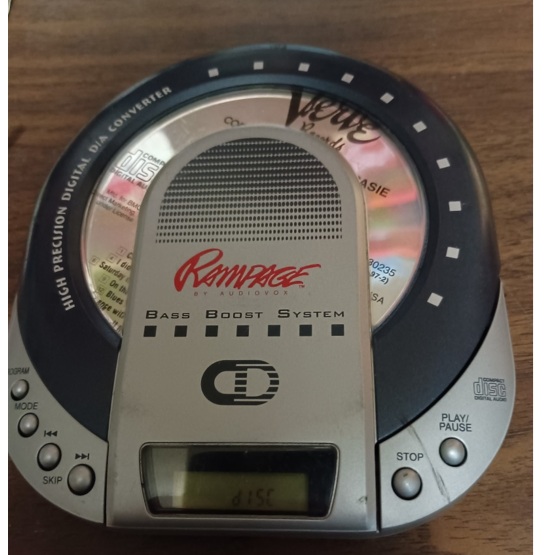
This Disc error can be caused by a whole list of things. The most common are dirty lens and laser diode grows week over time.
First thing is to take off the top cover and disassemble it. Then clean the lens with Isopropyl alcohol.
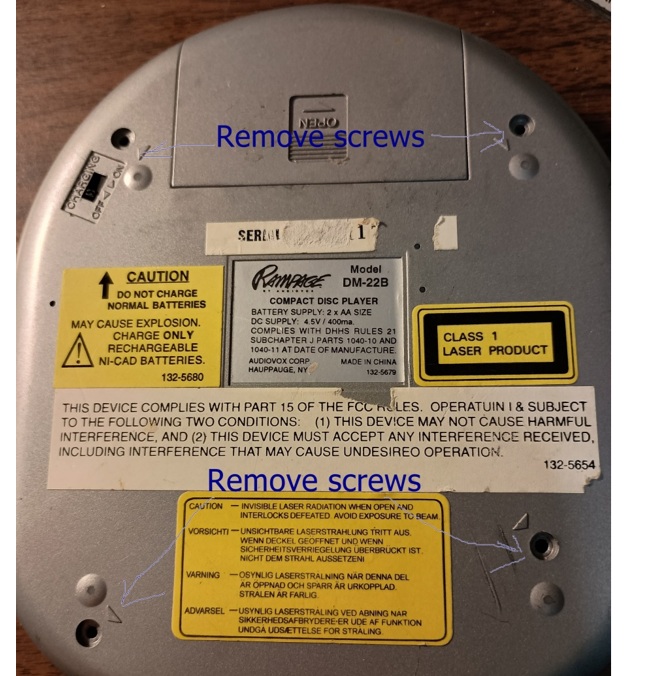
Next take off top cover and clean the lens with Isopropyl alcohol.
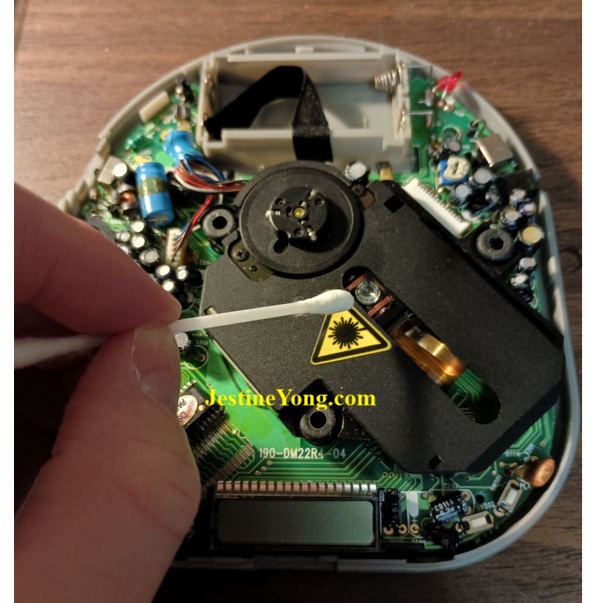
After cleaning the lens the CD player it still displayed Disc message. That means I have to remove the optical deck and adjust the laser diode.
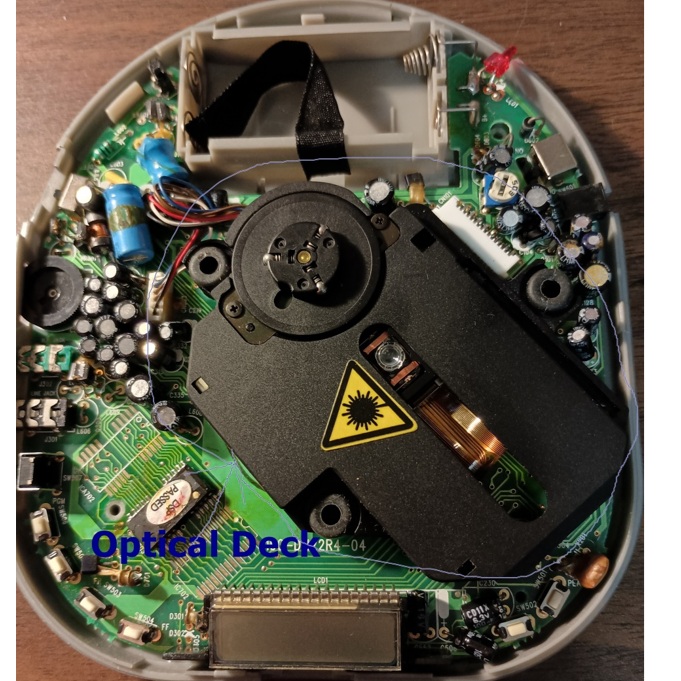
Next remove the optical deck from its rubber feet. Then remove the cables connected to it. These cables are the servo motor and spindle motor cables.
Last remove the main ribbon cable from the main circuit board. Now you have to adjust the potentiometer to increase the current to the laser diode.
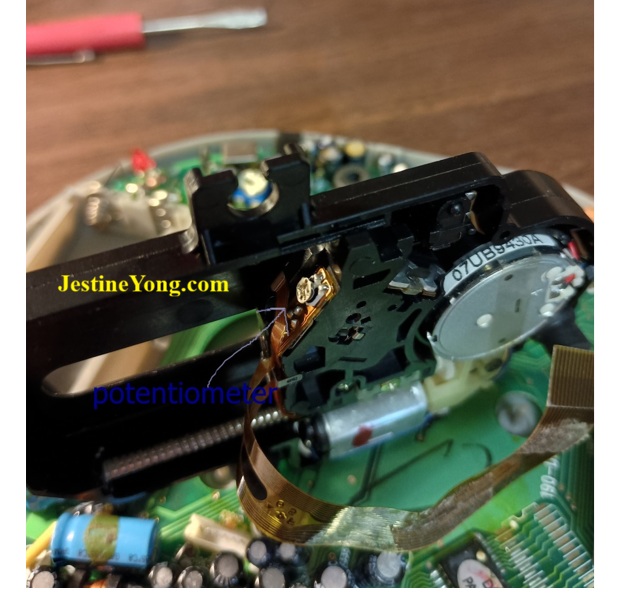
Only turn the potentiometer a quarter of turn at a time in the clockwise direction. You might have to turn it more than once. I only had to turn it one time to adjust it.
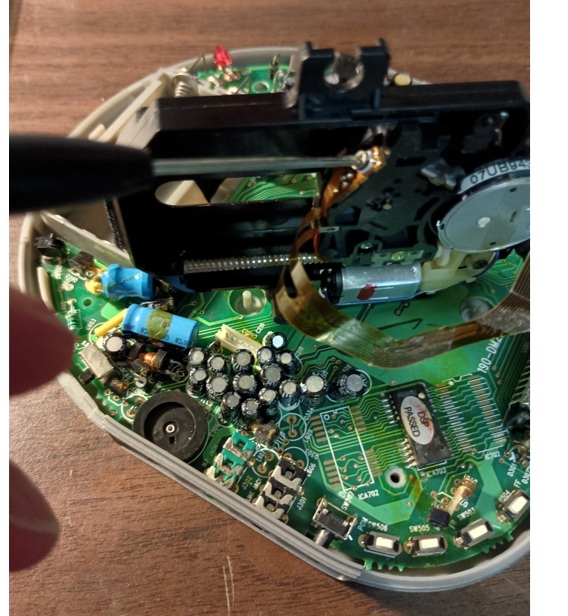
Now it’s time to put the disc player back together and try it out.
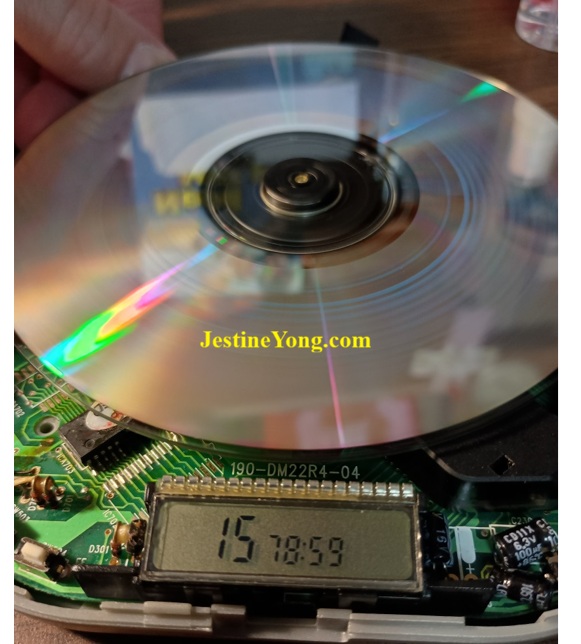
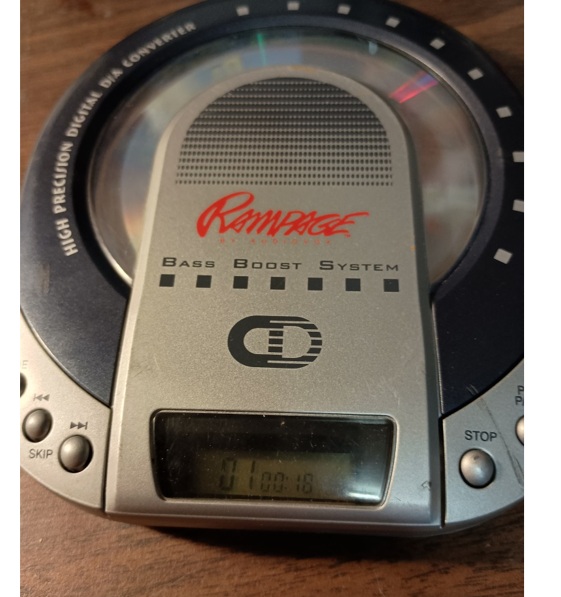
You can see that the CD player is now reading Disc’s and working as it should.
This article was prepared for you by Mark James; Pennsylvania U.S. Mark is a computer Technician and electronics hobbyist. Holds two associate degrees one in Computer systems technology and one in electronics engineering technology.
P.S- Do you know of any your friends who would benefit from this content that you are reading now? If so, forward this website to your friends or you can invite your friends to subscribe to my newsletter for free in this Link.
Note: You can check his previous repair articles on Realistic Model 12-666 AM/FM Radio Repair and Restore
 (50)Dislikes
 (0)
(0)
8 Comments
Leave a Reply





Parasuraman S
May 23, 2026 at 10:28 am
Vow! I have never ever tried adjusting the pots on the lens like this before! I was under the impression that the setting should never be disturbed. Many thanks for sharing this as it gives me strength to make an attempt. I just want to know which pot has to be adjusted. Normally there are two on it. Is one for voltage? Kindly guide me!
Mark J
May 24, 2026 at 2:22 am
Parasuraman you do have to be carful not to over due it while adjusting the current. You can use a marker or something similar to mark where you started from. Or you can measure the pots with an ohm meter so you know what the values are of the pots. Then give the pot a quarter of a turn then try to see if it plays the disc. If it does not give it another quarter of a turn. In these compact disc players and CD players there is only one pot that controls the laser diode. I know DVD players have two pots one for reading DVDs and one for audio CDs. Here is a link to a video that might help. https://www.youtube.com/watch?v=DHpnVLR8TDs
Albert van Bemmelen
May 23, 2026 at 3:52 pm
Cleaning the lens only once did fix the not playing dvd discs at someone's house who smoked a lot of cigarettes.
The tip to increase the laser current by giving the potentiometer a small turn did not help to fix my Amiga CD32 game console. And neither did help to fix the same issue in dvd players where the red laser became a larger red dot. My brother had the same dvd player and both stopped working after only about 6 months. Replacing the laser head (Sony manufactured lasers if I am correct) by a new laser head in the CD-32 is easy and they are very cheap on Aliexpress. But they come with a special ESD protective solder jumper that needs to be removed first before using the laser head. And for about 15 euro these CD-32 consoles are as new again afterwards.
Mark J
May 24, 2026 at 2:00 am
It has worked for me many times. I have fixed many DVD players and CD players using this method. Thanks for commenting Albert.
Yogesh Panchal
May 23, 2026 at 5:49 pm
Good Job! Mark,
Mark J
May 24, 2026 at 7:33 am
Thank you Yogesh.
MP
May 24, 2026 at 2:28 pm
DVD player repair was interesting, and Mark, your lens adjustment lesson has made it even more interesting. Your player has only two motors because there is no CD tray to be motor-pushed out and pulled in. This eliminates th frequent problems caused by a worn out driving belt that links the CD tray to its operating mechanism. As someone clearly points out, most of the lens closely attached components, in whatever form, were considered a 'no go zone'. Some adjustment screws had a paint marking. Though lens cleaning could be done by playing a specially designed CD disc that had tiny bristles on it at a particular place for cleaning the lens. The CD played no more than two minutes as sweet music on it went on. DVD players remain dear in the hearts of many. I still cant help but marvel at this great technological masterpiece that is becoming a rarity too soon. Flash discs may have arrived so early to compete for space with DVDs in the digital data storage devices. Memory sticks flashed discs out. is what I see.
Mark J
May 25, 2026 at 12:25 am
MP I have used one of those lens cleaning CD's that you speak of. I personally find that using a cotton or foam swab works better for lens cleaning. Compact discs have better sound quality that mp4's do because of audio compression. Thank you for commenting.